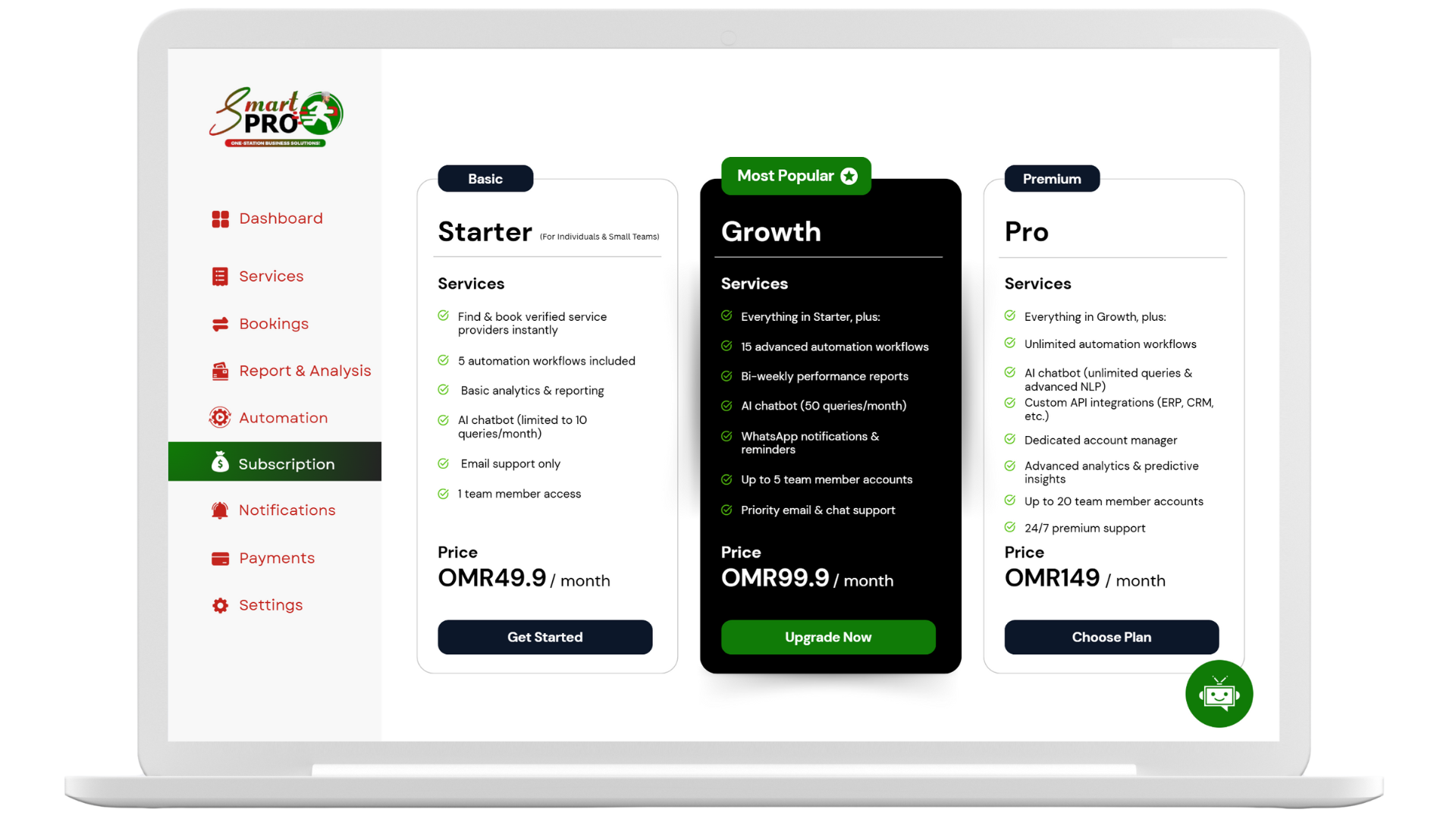

If you run a service business in Muscat, Sohar, Nizwa, or Salalah, you’ve probably felt the pain of missed calls, double bookings, and long WhatsApp threads. Customers expect instant confirmation and clear timing, while your team needs a clean schedule and fewer manual tasks. That’s why appointment scheduling software Oman is becoming a non-negotiable tool for growth. In this guide, we’ll show how TheSmartPro.io helps Omani businesses move from scattered processes to a smooth, automated system that saves time and boosts revenue.
Why Appointment Scheduling Software Matters (Especially in Oman)
Manual appointment handling looks simple—until it doesn’t. A few busy days and your calendar turns into chaos: missed messages, overlapping time slots, and frustrated clients. Appointment scheduling software Oman centralizes bookings, sends automatic reminders, and updates staff calendars in real time. For local teams, bilingual support (Arabic/English) and mobile-friendly pages make the experience feel familiar for both staff and clients.
Key wins you’ll notice fast:
- Fewer no-shows thanks to SMS/email reminders
- 24/7 booking (even when your phone is off)
- Less admin work for your team
- Clear data on your busiest hours and top services
What Makes TheSmartPro.io Different
TheSmartPro.io is built for service businesses across Oman—from salons and clinics to home services and training centers. It combines booking and workflow in one platform so you can run your day without switching tools.
Core features at a glance
- Online booking 24/7: A branded page customers can use any time
- Smart reminders: Automatic SMS/email to reduce no-shows
- Staff scheduling: Assign services, set availability, and avoid conflicts
- Client profiles: History, preferences, and rebooking prompts
- Analytics dashboard: Track bookings, revenue trends, and peak hours
- Mobile-ready: Works smoothly on phones for both staff and clients
Want a quick tour? See the Features page on your site:
/features
Real Scenarios from Omani Businesses
Salon in Qurum: Switched from phone-only booking to SmartPro. Within two weeks, stylists’ calendars were fully visible online, and automated reminders cut last-minute no-shows.
Clinic in Al Khuwair: Replaced manual appointment notes with TheSmartPro.io. Staff now see doctor availability instantly, and patients receive confirmations in Arabic or English.
Mobile car detailing in Seeb: Bookings used to disappear in DMs. With a public booking link in Instagram bio and WhatsApp replies, jobs are scheduled automatically with locations and add-ons.
How to Implement Appointment Scheduling Software (Step-by-Step)
- List your services
Define service names, durations, and buffer times (e.g., 45-min haircut + 10-min clean-up). - Set business hours and rules
Add working hours, breaks, prayer times, and public holidays to avoid conflicts. - Add your team
Create staff profiles, set individual schedules, and limit which services each staff member provides. - Customize your booking page
Use your logo, colors, and brand voice. Keep labels clear in Arabic/English. - Turn on reminders and confirmations
Choose when to send SMS/email (e.g., instantly + 24 hours before + 2 hours before). - Share your booking link
Put it in your Instagram bio, WhatsApp replies, Google Business Profile, and website header. - Track and optimize
Review weekly analytics: busiest days, top services, and no-show rate. Adjust staffing and promotions accordingly.
Ready to set it up? Visit your Setup Guide page (e.g.,
/get-started) and connect calendars.
Pro Tips for Higher Conversion
- Offer instant slots: Keep a few same-day openings for urgent clients.
- Use deposits or cancellation windows: Protect your time and reduce last-minute changes.
- Add add-ons: Upsell quick services (e.g., beard trim, whitening consult) directly in the booking flow.
- Automate follow-ups: After service, send a “Thank you” + rebook link + review request.
- Create “service bundles”: Make it easy to choose common combinations at a small discount.
Avoid These Common Mistakes
- Too many steps: Keep the booking flow short—service → time → details → confirm.
- Unclear durations: If your 30-minute service takes 45 minutes, your whole day slips.
- No buffer times: Add 5–10 minutes between bookings for reset/clean-up.
- Not measuring no-shows: If you don’t track it, you can’t reduce it.
- Not linking everywhere: If the booking link isn’t visible on social and Google, people won’t use it.
Calculating the ROI (Quick Example)
- Current no-shows: 10 per month at OMR 15 average profit = OMR 150 lost
- After reminders and deposits, cut no-shows by 50% → OMR 75 recovered
- Save 20 hours/month of admin at OMR 5/hour → OMR 100 in time value
- Estimated monthly benefit: OMR 175 (often higher for clinics/salons)
That doesn’t include extra bookings you’ll capture by being available 24/7.
Data & Privacy Best Practices
- Keep client records minimal and secure.
- Give staff access only to what they need.
- Use clear consent for promotional messages.
- Respect local norms and bilingual preferences.
Final Thoughts
Customers in Oman want fast, clear, and professional booking. Your team wants fewer manual tasks. Appointment scheduling software Oman bridges both needs—so you can spend less time chasing messages and more time delivering great service.
🔗 Start now at TheSmartPro.io (/get-started) or book a demo (/contact).