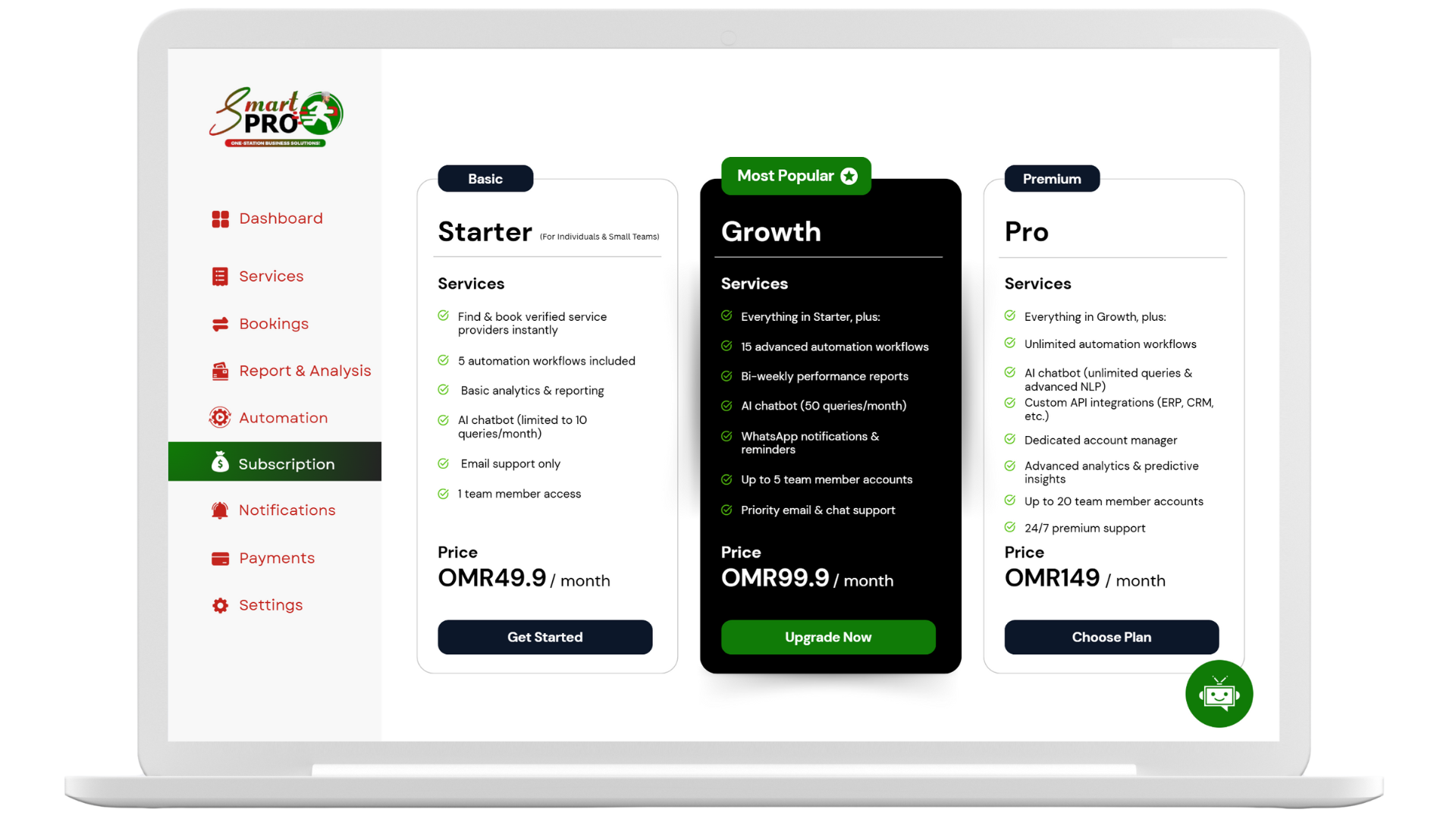

If you’re ready to streamline your operations and deliver an exceptional customer experience, this TheSmartPro setup guide is your starting point. Whether you run a salon, clinic, or consulting business, setting up TheSmartPro.io can help you automate bookings, manage workflows, and scale efficiently — all from a single platform.
In this guide, we’ll walk you through each setup stage, explore key features, and share best practices for long-term success.
🔍 What Is TheSmartPro.io?
TheSmartPro.io is a cloud-based service management platform designed for small and medium businesses (SMBs). From online scheduling to task automation, it offers a full suite of tools to eliminate manual errors and boost productivity.
Learn more about the core features of TheSmartPro platform.
⚙️ Why a Proper SmartPro Setup Is Crucial
A correct setup ensures your platform runs smoothly and gives you:
- 📅 Accurate booking management
- 🔁 Reliable workflow automation
- 💬 Real-time client communication
- 📈 Actionable analytics and insights
With this TheSmartPro setup guide, your team can save hours of manual work, reduce no-shows, and grow revenue consistently.
🚫 Common Problems Without Workflow Automation
Before setup, businesses often struggle with:
- Manual calendar errors and double bookings
- Lack of task tracking between staff
- No reminders or automated confirmations
- Disorganized client databases
- Missed growth opportunities due to no analytics
Avoid these issues by following the steps in this TheSmartPro setup guide.
✅ Step-by-Step SmartPro Setup Guide
1️⃣ Define Services & Scheduling Rules
- Create a service list (e.g., haircut, consultation, repair)
- Assign time durations and prices
- Set working hours, holidays, and staff availability
✅ Tip: Use category filters to allow customers to search services easily.
2️⃣ Add Team & Configure Calendar
- Add staff profiles
- Set their weekly schedules
- Sync with Google Calendar for live updates
✅ This prevents double-bookings and simplifies workload planning.
3️⃣ Design Your Booking Page
- Choose layout, color, and logo
- Set time slots, cancellation policies, and timezone
- Embed on your website or share booking link on WhatsApp/social media
📎 Internal link: Get Started with Your Booking Page
4️⃣ Automate Notifications
- Enable SMS/email confirmations and reminders
- Create automated follow-ups (e.g., “Thanks for booking with us!”)
- Trigger alerts based on status (confirmed, completed, canceled)
✅ Automation reduces no-shows and boosts customer satisfaction.
5️⃣ Use Workflow Automation
- Create task flows like:
- Booking → Notification → Invoice → Feedback
- Assign team roles
- Monitor task status from the dashboard
📎 Internal link: SmartPro Automation Features
6️⃣ Monitor Performance with Analytics
Track KPIs like:
- Total bookings
- Revenue trends
- Staff performance
- Peak business hours
✅ Use this data to optimize team size, promotions, and service offerings.
🎯 Best Practices for Ongoing Success
📌 Personalize the Experience
Use customer names and service details in every notification.
💡 Offer Online Booking Incentives
Provide small discounts or loyalty points for digital bookings.
🔁 Audit Workflows Monthly
Review analytics and refine task flows to fix drop-offs.
📚 Train Staff
Ensure your team understands the platform and follows SOPs.
🔄 Stay Updated
SmartPro regularly adds features — subscribe to updates or visit their blog for automation trends.
🔮 The Future of Workflow Automation
TheSmartPro.io will soon offer:
- AI-powered appointment suggestions
- Mobile team apps
- CRM & inventory integrations
- Hyper-personalized marketing automation
With this SmartPro setup guide, you’re building a strong foundation for future success.
✅ Final Thoughts
Setting up your platform correctly can save you 10+ hours a week, improve client retention, and grow your business steadily. Use this TheSmartPro setup guide to make the most of your software investment.
Start today — automate, scale, and grow smart!